How it was made
DSlot, the emulators and nibOS were built with AI agents (Claude, in Claude Code), directed by one person and played on a real RG DS+ every step of the way. Want to join in, with or without AI? Contributing says how.
A game system for the Anbernic RG DS+
DSlot is a game shelf made for the clamshell, with an emulator for every system behind one menu. It comes on a card of its own: press power, and your carts are waiting over the slot.
Download 0.1.0-beta2 How to install
Beta 0.1.0-beta2, released 2026-11-08: what's new.
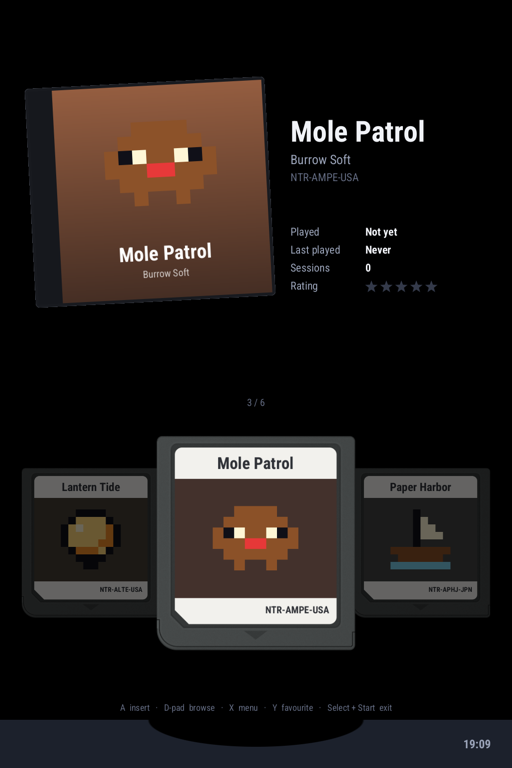
The shelf
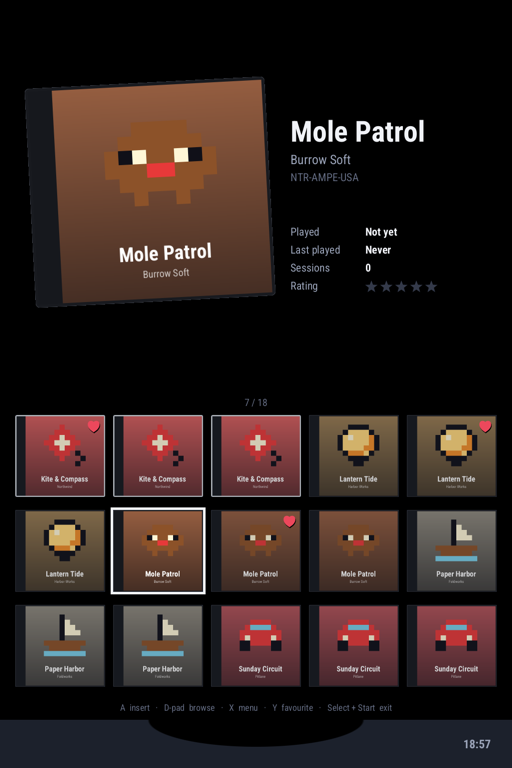
Your games as carts over a card slot on the touch screen, their boxes, play time and ratings on the top one. Or a cover grid, or a list: flick it and it glides. A page for each system, a picker on Select, and a card for every console, with its history and cited facts.
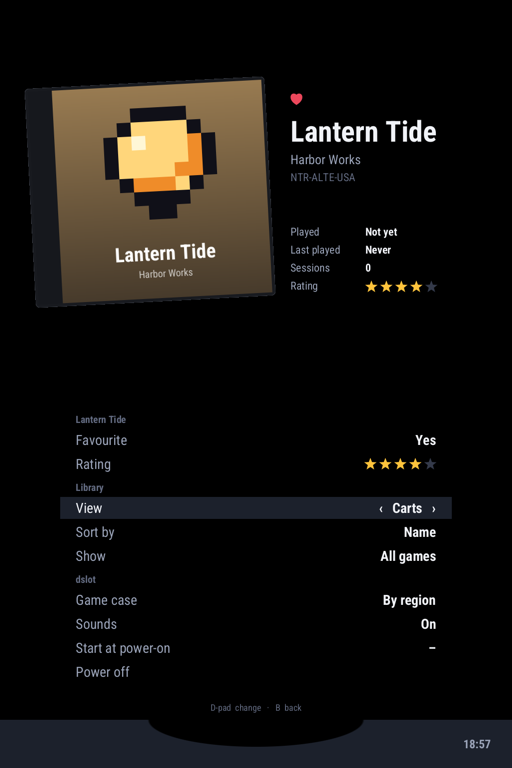
One menu
Back opens the menu, Menu saves and takes you home, and the next start carries on where you left off. Six save slots with pictures, settings per game or per system, Wi-Fi and Bluetooth: the same menu in DSlot, DSperate, inkdot, nibcase and inktick.
The rest of the device
Close the lid: deep sleep, and Wi-Fi back about two seconds after you open it.
Plug in a switched-off DS+ and it charges dark, amber light on. Battery protect stops at 80%.
Signed updates over Wi-Fi, installed while you play. If one ever fails to start, it rolls back by itself.
Join networks and pair headphones and controllers from the shelf's menu. Sound follows the headphones.
DSlot is based on nibOS, a streamlined Arch Linux for the device. Leave the shelf for a console with a touch keyboard, or SSH in.
Get PortMaster from the Apps page and install ports over Wi-Fi; they appear on their own shelf page.
Under the shelf
DSlot's card carries nibOS, a Linux system made for the DS+: no frozen vendor kernel, but mainline Linux and U-Boot, open graphics drivers, and all of Arch Linux ARM. Every part is free software.
Start here
Bring your own games, or dive into the free homebrew made for these systems.
How it was made
DSlot, the emulators and nibOS were built with AI agents (Claude, in Claude Code), directed by one person and played on a real RG DS+ every step of the way. Want to join in, with or without AI? Contributing says how.